Complete content platform: SEO for Google and AI search engines, AI writing and repurposing, social distribution, and unified analytics.
v1.0.3 · AI content
 Skip to content
Free WordPress Plugin
Website-aware AI chatbot assistant. Answers visitors using ONLY your website content. Multi-provider, streaming, rate-limited and injection-protected.

OZY AI Chatbot turns your WordPress website into an intelligent, conversational assistant. Visitors ask questions and get instant, accurate answers — grounded strictly in your own website content.
Unlike a general chatbot, this assistant is scope-locked: it only talks about your website and its services. If a visitor asks something off-topic — or tries to trick it into writing code, essays, or acting as a free general-purpose AI — it politely declines and steers them back to your business. This protects your API budget and keeps the conversation on-brand.
[ozy_ai_chatbot], sized and styled per page with height, max_width, radius, align, colors and hideozy_ai_providers filteradd_filter( 'ozy_ai_providers', function( $providers ) {
$providers['mistral'] = [
'label' => 'Mistral AI',
'models' => [ 'mistral-large-latest', 'mistral-small-latest' ],
'api_url' => 'https://api.mistral.ai/v1/chat/completions',
'key_url' => 'https://console.mistral.ai/api-keys',
];
return $providers;
} );
Pick whichever suits you — all of them render the same inline chat:
[ozy_ai_chatbot], or [ozy_ai_chatbot height="500" max_width="900" radius="16" align="center" accent="#CFF023" background="#0A1A2F" text_color="#ffffff" hide="status,glow"]hide accepts any of: header, status, pills, footer, glow)This plugin connects to the following third-party services. Data is only transmitted when a visitor submits a question in the chat widget, or when you use an admin feature such as “Test Connection”.
Depending on the provider you configure, the visitor’s question and relevant text excerpts from your own website are sent to one of these services:
No AI provider request is made until a visitor submits a question. The data sent is limited to the visitor’s question and relevant text excerpts scraped from your own website pages. No personal data beyond what the visitor types is transmitted. Site owners are responsible for disclosing this third-party processing in their own privacy policy.
The plugin loads the “Rethink Sans” typeface from Google Fonts (https://fonts.google.com/). This causes the visitor’s browser to connect to Google’s servers, which may transmit the visitor’s IP address to Google. Privacy policy: https://policies.google.com/privacy
To disable the font, add this to your theme’s functions.php:
add_action( 'wp_enqueue_scripts', function() {
    wp_dequeue_style( 'ozy-rethink-sans' );
    wp_deregister_style( 'ozy-rethink-sans' );
}, 20 );
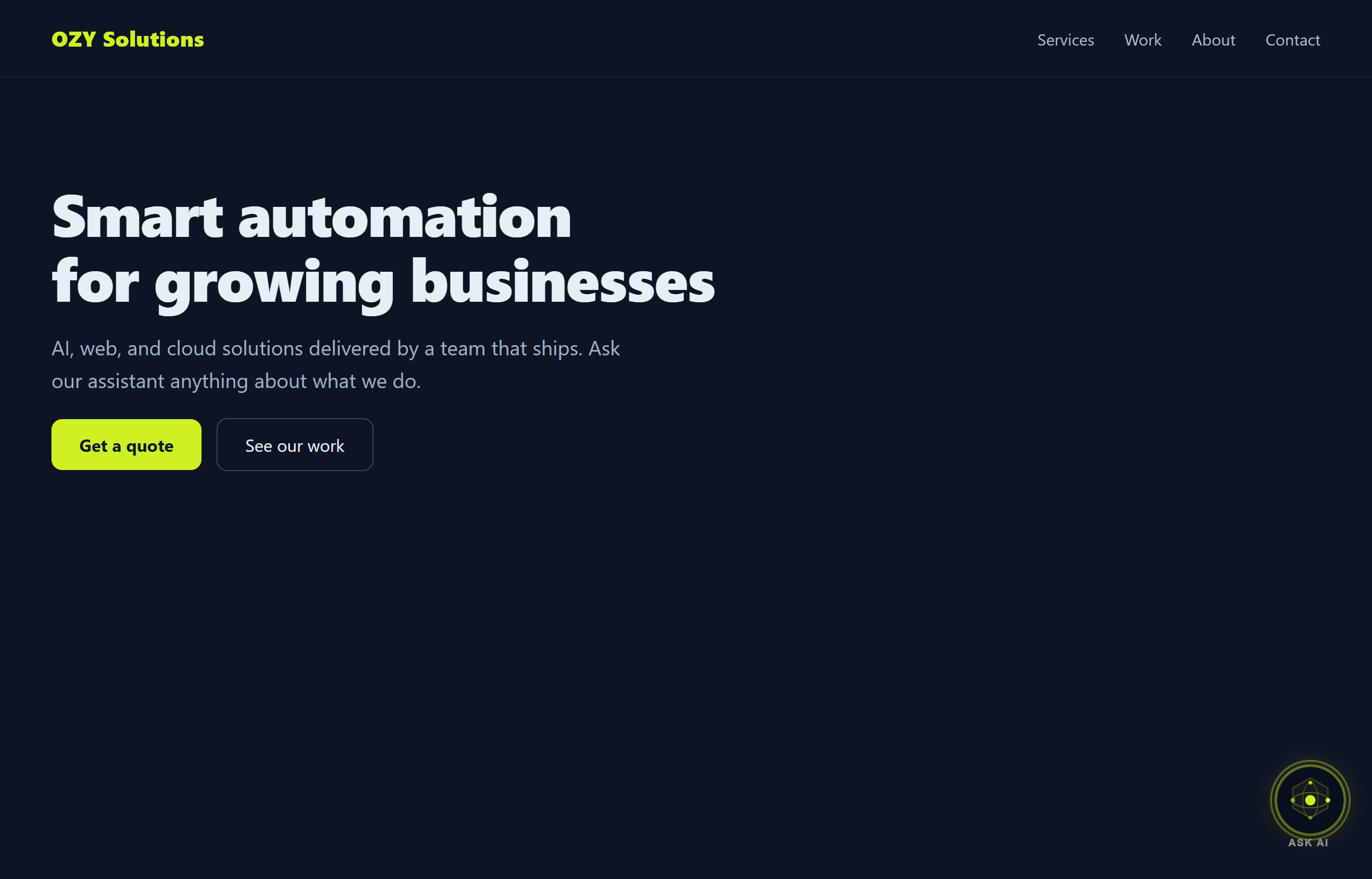
Floating "Ask AI" button with animated orbital ring, shown on a live site
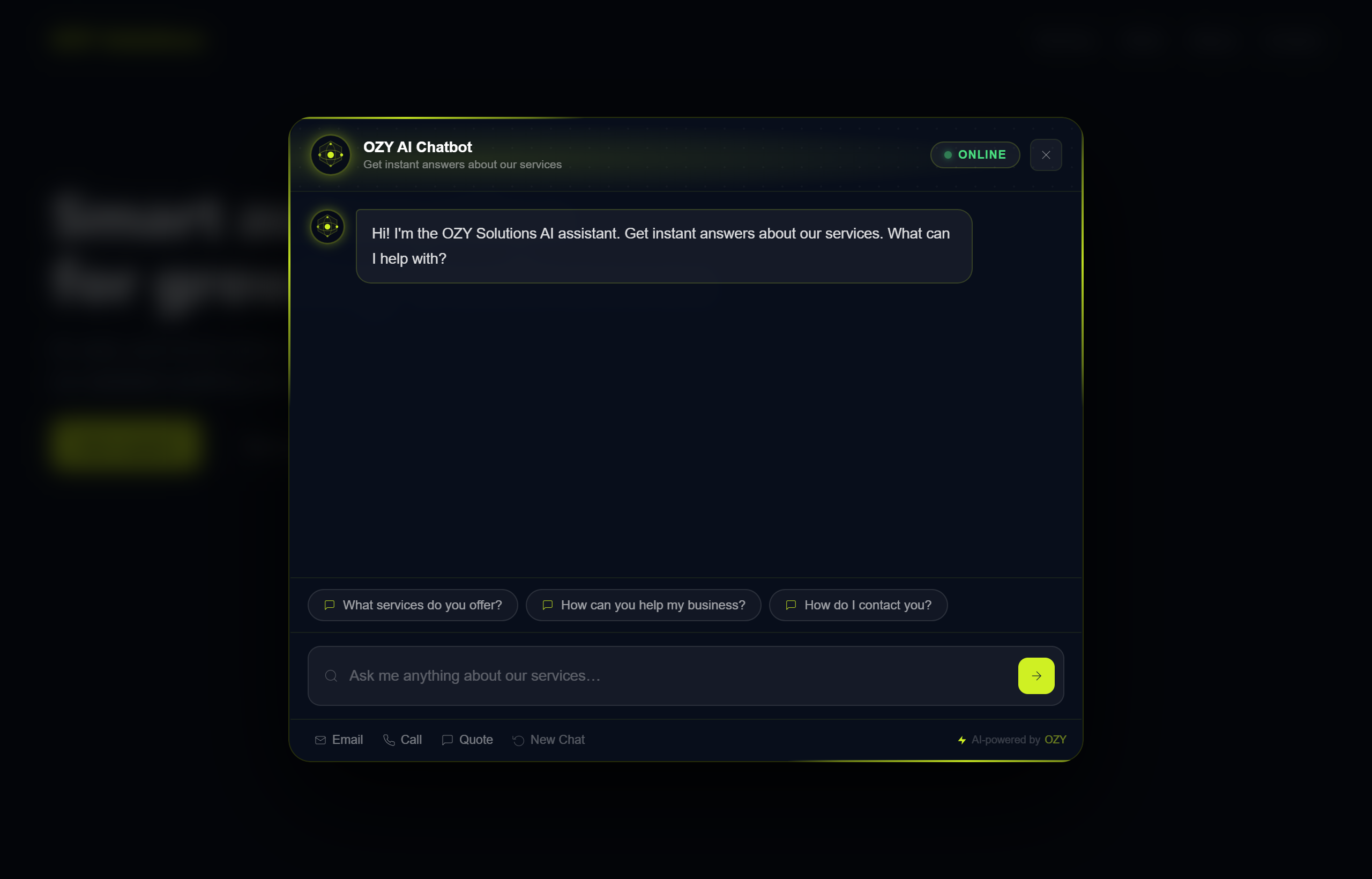
Welcome screen with quick-question pills, ready for the visitor's first question
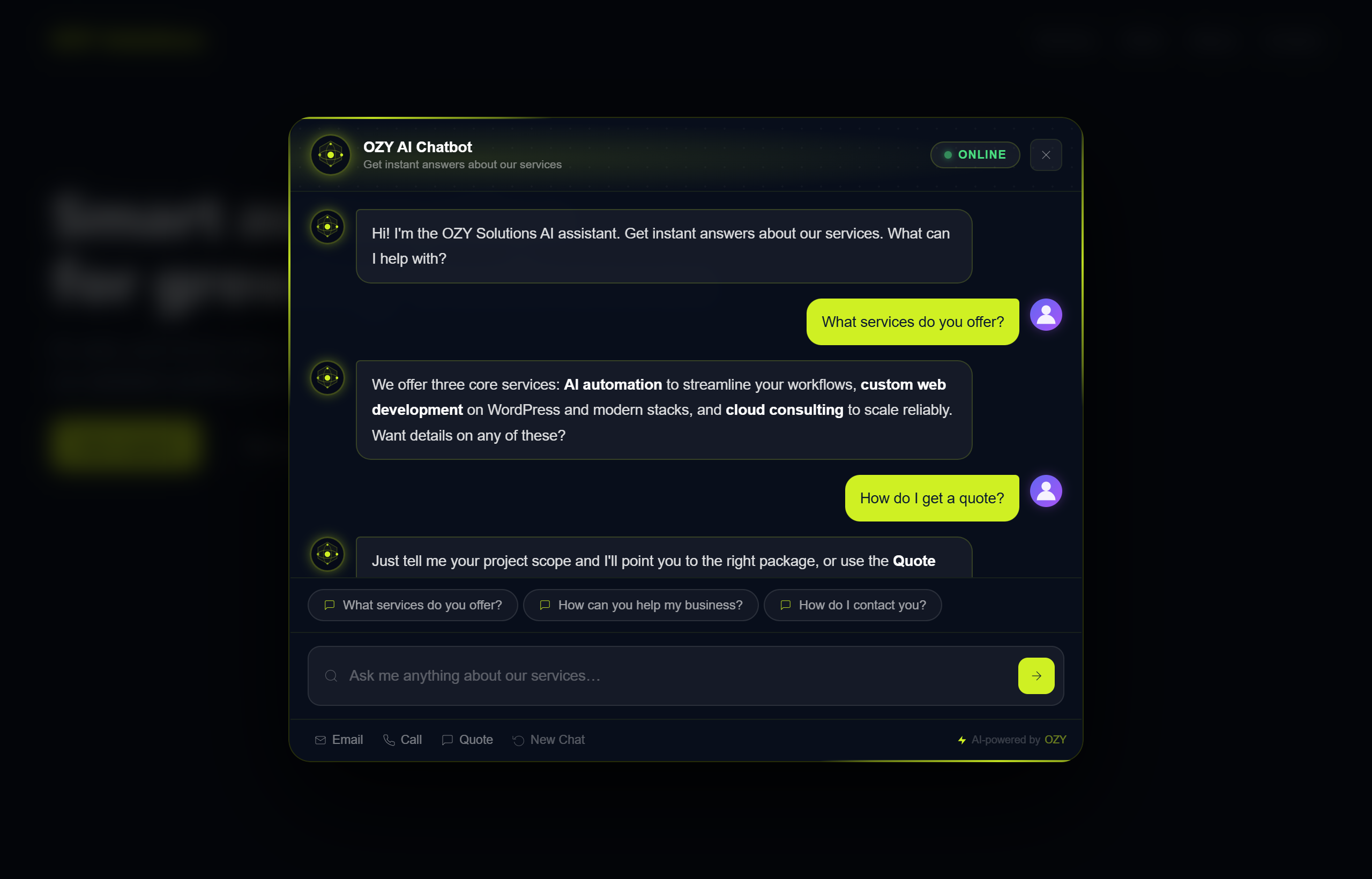
Chat popup answering questions in a live, streaming-style conversation
ozy-ai-chatbot folder to /wp-content/plugins/
Start with Groq — it’s free for testing. For production, OpenAI GPT-4o-mini or Google Gemini 1.5 Flash offer the best cost/quality ratio.
Yes. The assistant is scope-locked by its system prompt and a pre-filter: it answers only using your indexed website content and declines off-topic or abusive requests (such as writing code or essays).
Every request is throttled per IP address (default 15/minute, adjustable via the ozy_ai_per_minute_limit filter), and off-topic/jailbreak attempts are refused before any tokens are spent. You can also set optional per-session, per-day, and per-month limits.
Yes — use the ozy_ai_providers filter hook to register any OpenAI-compatible API endpoint.
Yes. All strings use the ozy-ai-chatbot text domain and a .pot template is included.
All plugin settings (WordPress options) and both database tables (ozy_ai_url_index and ozy_ai_queries) are deleted on uninstall.
radius, align, accent, background, text_color and hide (e.g. hide="status,glow").**bold) no longer flashes while typing.More From Ozy Solutions
Free, open source and built by the same team that builds client websites every day.
Complete content platform: SEO for Google and AI search engines, AI writing and repurposing, social distribution, and unified analytics.
Drag and drop form builder with conditional logic, multi-step forms, payments, built-in SMTP, AI form generation and one-click migration.
AI-first custom fields for WordPress. Repeater, group, clone and more, all free, plus an AI generator that builds field groups for you.
Live AJAX search with relevance ranking, custom field indexing, WooCommerce support, and optional AI semantic search.
Website-aware AI chatbot assistant. Answers visitors using ONLY your website content. Multi-provider, streaming, rate-limited and injection-protected.
AI agent that learns your website and helps visitors. OpenAI, Claude, Groq, Gemini & Mistral. Drag-and-drop block for every builder. No monthly fees.
Context-aware AI translation with voice-first accessibility. Unlimited languages, four URL modes, eight switcher designs, and text-to-speech.
Let’s Talk
Partner with a creative tech team to design, develop, and launch software solutions built to scale your business on time and on budget.
Novaryn LLC, 1331 Merl Place
Longmont, CO 80501